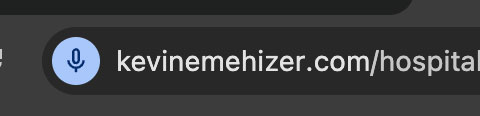
You have the option to use the microphone icon to enter form information to make it easier for you to enter informaiton in natural language. Just click the microphone icon and speak for that field. Your voice will be dictated and translated into text for each field. You can edit the text in the form if the voice dictation is incorrect. This is to help speed up the form completion.
You will see a blue microphone icon in the browser bar when it is active to speak.